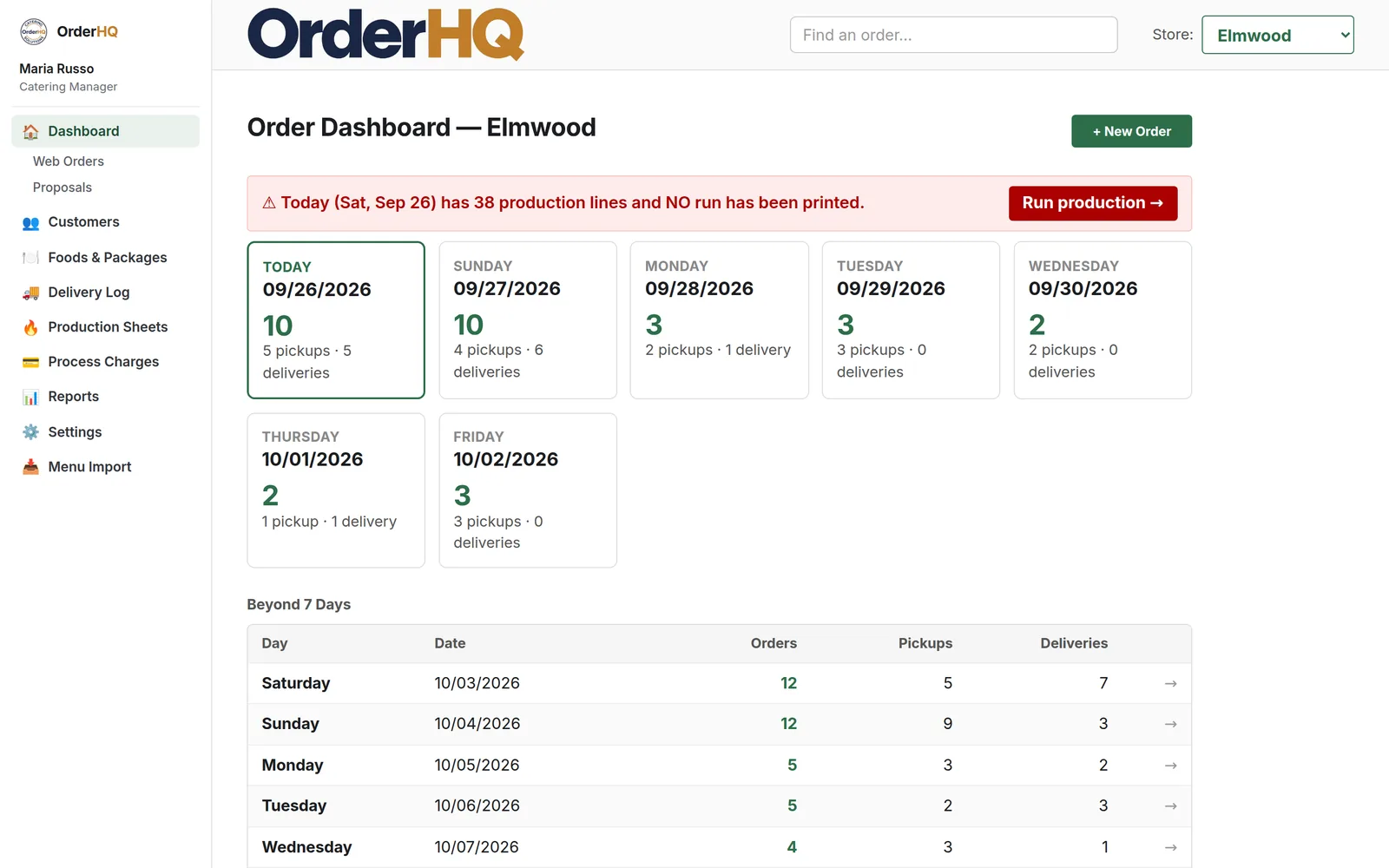
Everything you sell in advance, in one system.
OrderHQ is not a point of sale. It's the system for the orders that come in days ahead: the platters for Sunday, the buffet for the office, the whole Christmas Eve. From the first phone call to the charged card.
Your menu, imported from the PDF
Send the catering menu you already print. OrderHQ reads the sections, the sizes, the "serves 10–12," the packages with their choices, and the store hours on the back page. You walk through it section by section and approve what lands. When the menu changes, import just the new flyer and it matches against what you already have instead of creating duplicates.
Menus are written for customers, not databases. If something is unclear, OrderHQ asks you rather than guessing.
What the import understands
- Trays and sizes as one item with a small and a large
- Packages with pick-any-three choices and per-person pricing
- Deposits on boards and equipment
- Which department makes each thing
- Store locations, phone numbers, and hours
Online, in your customer's words
- Browse by Pasta or Beef, not by internal category
- Sizes, presentations, and "on a board or a platter" as choices
- Minimums and maximums enforced before checkout
- Pickup and delivery times as blocks you control per store
- Card entered once, kept on file, charged when the order goes out
- Holiday menus that turn themselves on and off by date
An ordering site under your own name
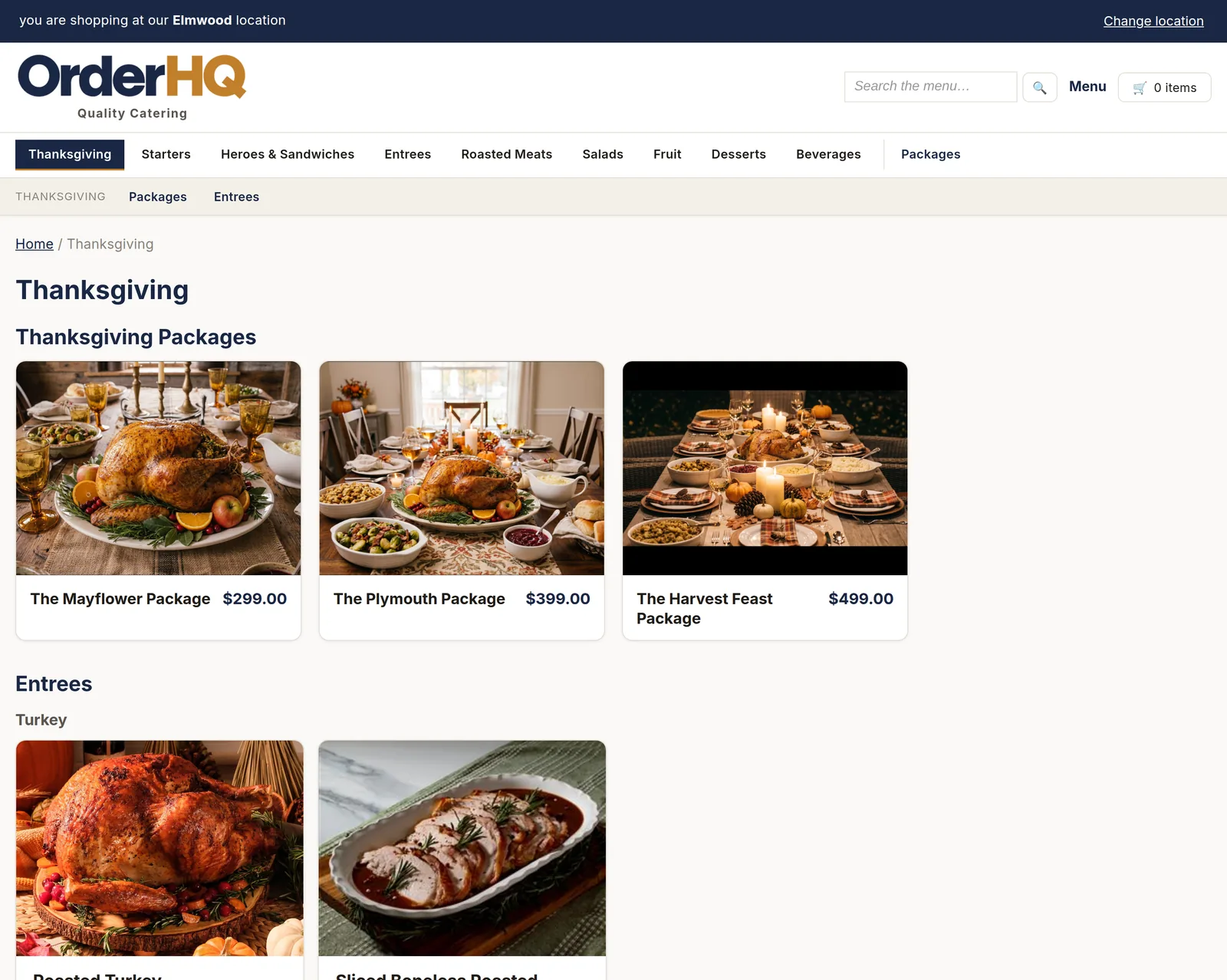
Your logo, your colors, your photos, your store addresses. Customers pick the store, pick a time block from the hours you allow, and pay with a card that goes on file. A full block shows as full. A day you don't take hot food shows that too.
No marketplace between you and your customer. Their name, phone, and history are yours.
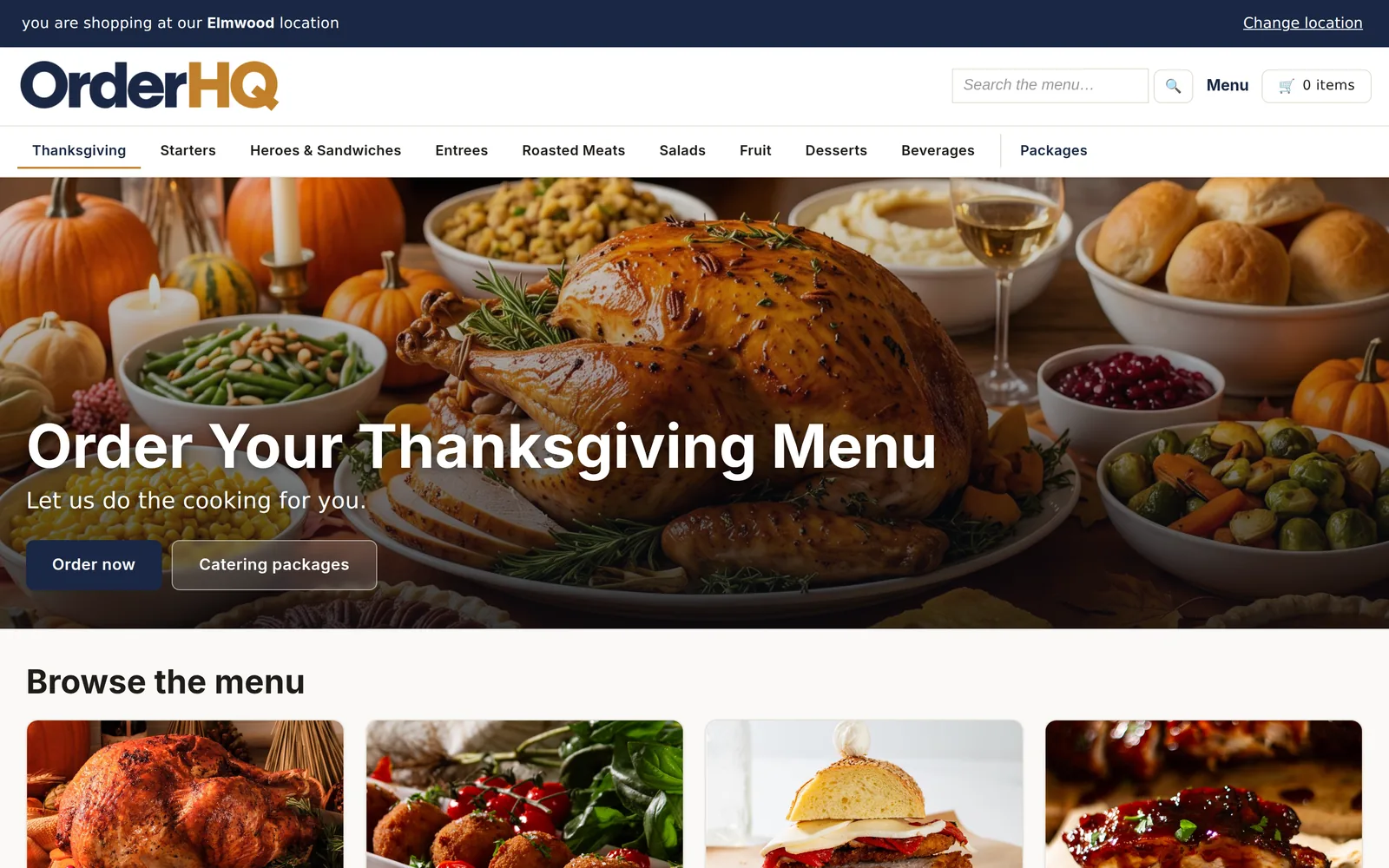
Holiday menus that run themselves
Tag items and packages for the holiday, set the dates, and the page appears on the site when it should and disappears when it's over. Nothing to remember in December.
Packages show the store's own photos, and the customer sees what's included before they pick a single thing.
A counter screen built for a busy Saturday
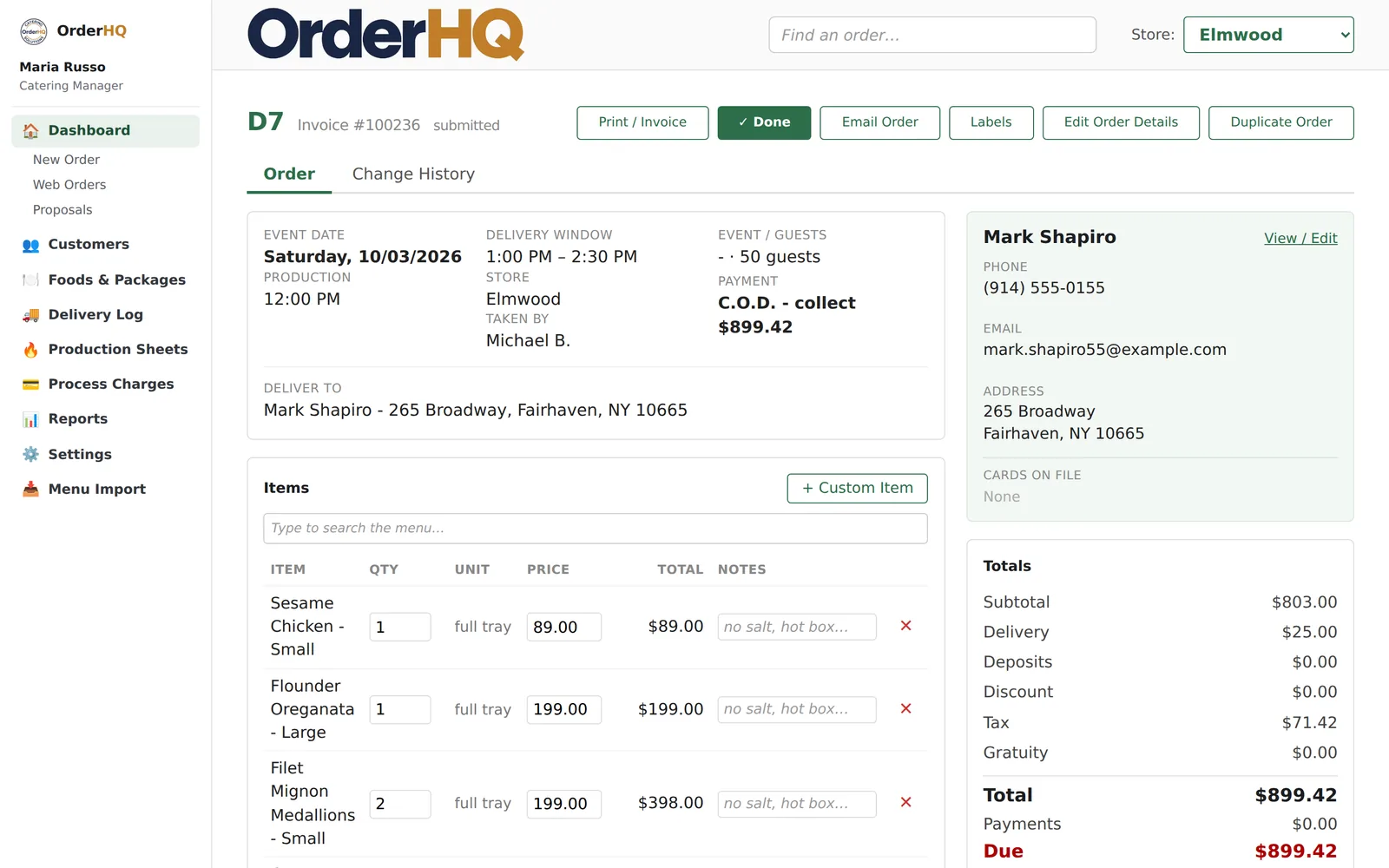
Customer first, so you know who you're talking to. Then the food, with packages that expand into every tray and side the moment they're added. Then the card at the end, never the start. If an order goes over a limit, staff get a warning and a choice, not a locked screen.
Works on the store PC and on an iPad on the counter. Every order shows who took it and every change shows who made it.
Built in, not bolted on
- Duplicate last year's order at this year's prices
- Find any order by name, phone, order number, or dish
- House accounts and pay-at-pickup as options you turn on
- Free delivery or a free item over a spend you set
- Store-specific tax rates and delivery zones
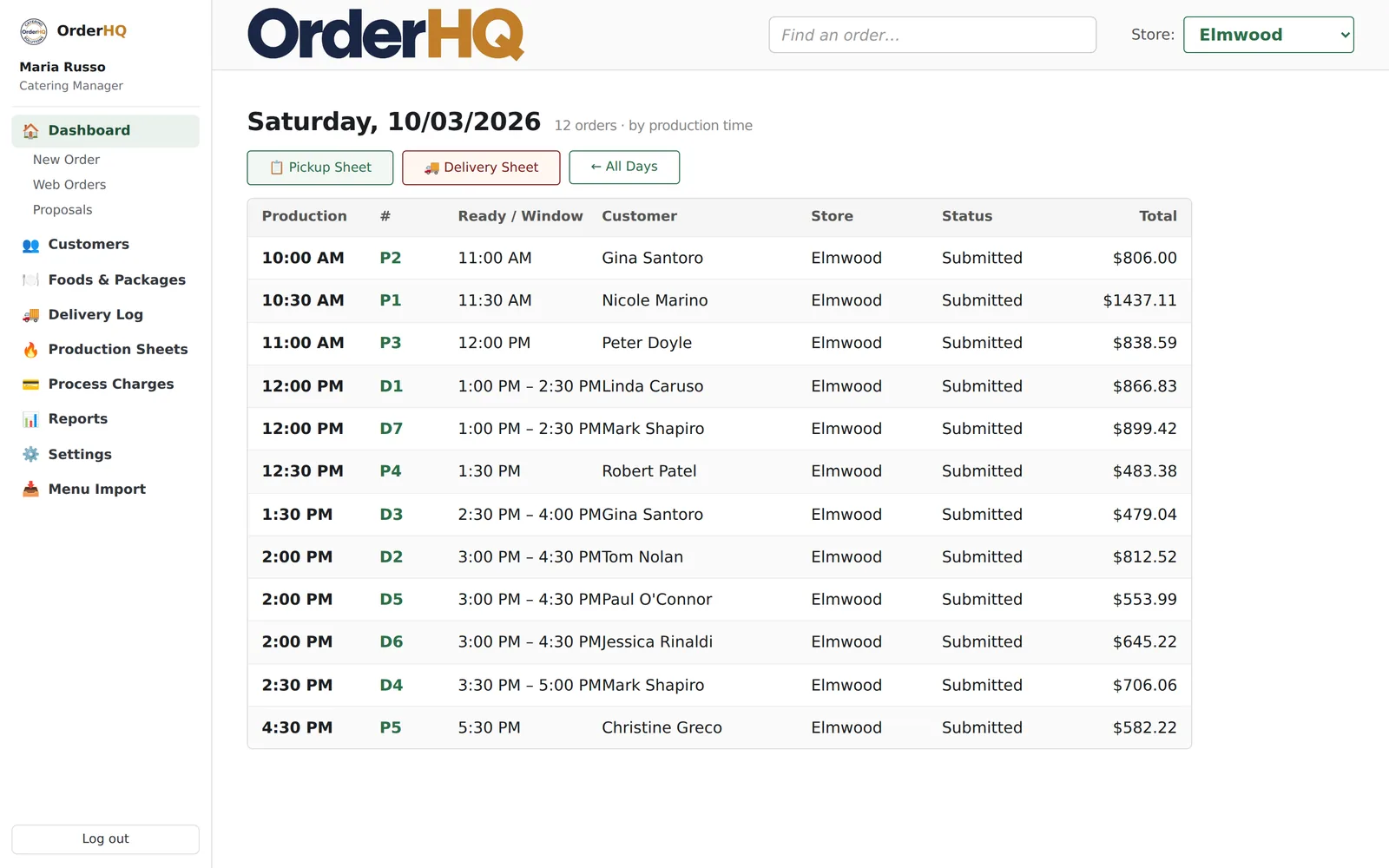
What prints
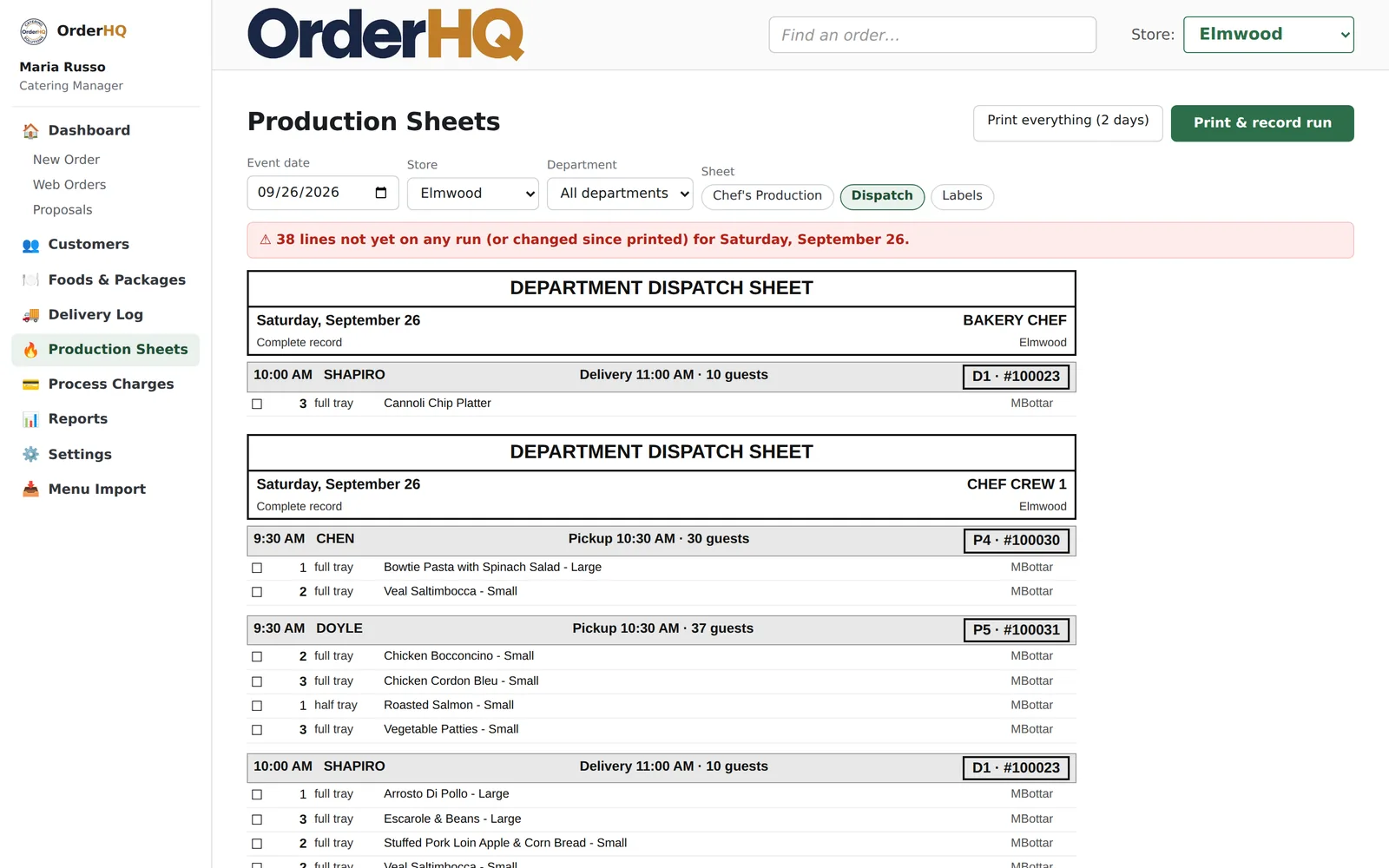
- Production sheet per department, per day
- Packing slip in walk-the-building order, no prices
- Invoice with the deposits explained
- Labels for every tray, on a Zebra or any printer
- Delivery and pickup sheets
- A nightly two-day packet emailed to each store
The kitchen works off paper. We make the paper right.
Every order breaks down into what each crew actually makes. The deli sees the platters, the kitchen sees the trays, the bakery sees the bread, and the packing slip lists all of it in the order you walk the building. When an order changes after the sheets print, the new sheet says so and marks what moved.
Every night, each store gets a printable packet of the next two days. If the internet goes down on the busiest morning of the year, the store still runs.
Payments you can explain to your accountant
Cards are captured once and kept on file by your payment processor; card numbers never touch OrderHQ. Charge when the order goes out, one at a time or all at once on a big day. Refund part of an order without voiding the whole thing. Declines land in a list, not in the dark.
Each location can settle to its own bank account. Card fees are paid to your processor at their standard rate. OrderHQ takes nothing per transaction.
Multi-location by design
- Each store: hours, capacity, tax, delivery, bank account
- Staff see their store; managers switch; owners see all
- Reports across stores or one at a time
- One menu, priced and turned on per store